
🖥️ UI/UX Design in Games
Terminology Note
This article explains concepts, principles and interface components (HUD, Menu). If you want to learn about the profession and actual work of an interface designer, see UI UX Artist (Game).
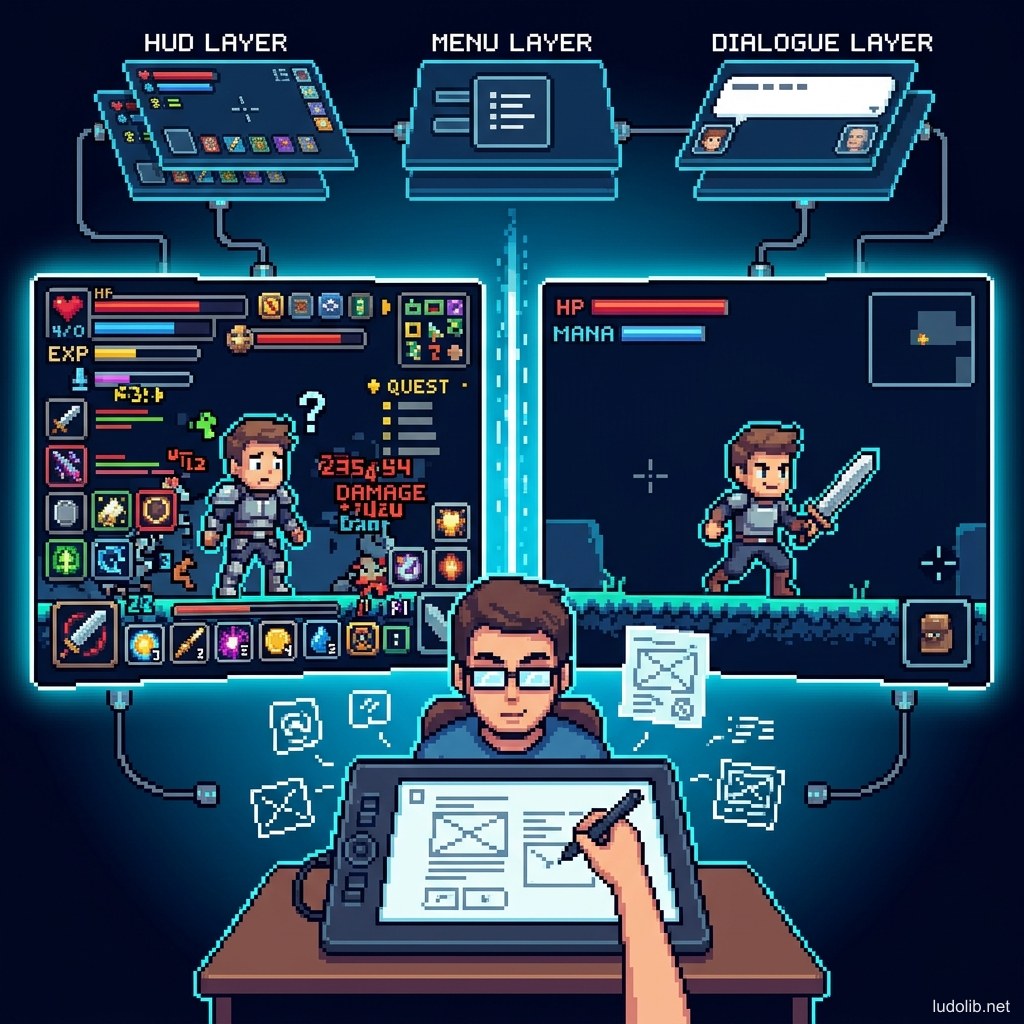
UI (User Interface) is all the graphical elements players see and interact with on screen: health bars, minimap, inventory, pause menu. UX (User Experience) is the overall feeling when players “use” that game — whether they get lost, feel frustrated, or immediately understand what to do.
A game with excellent gameplay but a hard-to-use UI will lose players in the very first minute.
UI Components in Games
1. HUD (Heads-Up Display)
The information layer overlaid directly on the play screen that doesn’t obstruct the game:
- Health / Energy Bar (HP/MP Bar): Communicates character state instantly.
- Minimap: Spatial orientation — especially important in Open World games.
- Crosshair: The most minimal icon but the soul of every FPS game.
- Cooldown Timer: Displays skill cooldown time.
2. Menu System
Secondary screen system:
- Inventory: Manages equipment and items.
- Skill Tree / Character Sheet: Character development screen (directly related to Progression Mechanics).
- Settings: Volume, mouse sensitivity, shortcuts — seemingly dull but very important to UX.
- Pause Menu: Save game, exit, tutorial.
3. Dialogue UI
Interface displaying dialogue. Closely integrated with Narrative Design:
- Branching dialogue box (A/B/C choices).
- Typewriter effect (text appearing character by character).
UX Principles in Games
Principle 1: Don’t Make Players Think
Every symbol must be intuitive. If players need to open a “manual” to know what button does what → UX design has failed.
Principle 2: Immediate Feedback
Every player action must receive immediate feedback — even just a controller rumble (haptic), a small “ting” sound (Sound Design), or a flash effect.
Principle 3: Minimize Cognitive Load
Don’t display too much information simultaneously. Soulslike games (Dark Souls, Elden Ring) are famous for their ultra-Minimalist HUD — showing only 3 bars: health-mana-stamina.
Principle 4: Universal Accessibility
Design for everyone, including the visually impaired, color blind, or those with motor disabilities:
- Colorblind Mode, adjustable font size.
- Subtitles, audio descriptions as text.
- The Last of Us Part II (Naughty Dog) is considered the gold standard for Accessibility in the industry.
UI Philosophy by Genre
| Game Genre | UI Philosophy |
|---|---|
| FPS | Absolutely Minimalist HUD: just crosshair + ammo. Visibility is everything |
| RPG / JRPG | Dense HUD: stat sheets, skills, mission tracker |
| Horror | Diegetic UI integrated into the game world. Example: health bar on character’s back (Dead Space) |
| Mobile Casual | Large clear buttons, operable with one hand |
Common Tools
| Tool | Role |
|---|---|
| Figma / Sketch | Drawing wireframes and UI prototypes |
| Adobe XD | Creating interactive prototypes for game menus |
| Unity UI Toolkit / Unreal UMG | Building UI directly in the Game Engine |
Relationships with Other Systems
- UI/UX is the “surface” players use to interact with Game Mechanics.
- Sound Design supports UX through audio feedback effects for every button press.
- Narrative Design depends on Dialogue UI to present story choices.