
🖥️ UI/UX Artist (Game)
Quick Summary
UI/UX Artist designs all game interface elements — the HUD (heads-up display), menus, inventory systems, pause screens, icons, and visual feedback systems. They ensure players can understand and navigate the game’s systems intuitively.
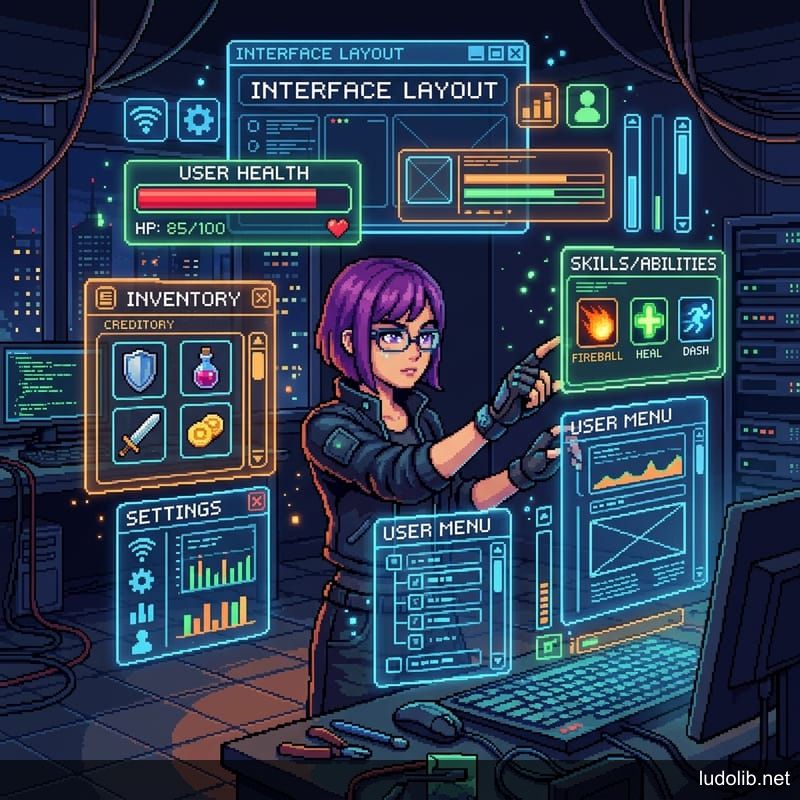
UI vs UX in Games
- UI (User Interface): The visual elements — health bars, skill icons, inventory grids, dialog boxes
- UX (User Experience): How those elements are arranged, how players interact with them, and how information flows
A game can have beautiful UI art but poor UX if information is unclear or navigation is confusing.
What UI/UX Artists Do
- HUD design: Health/stamina bars, minimap, ammo counter, quest tracker
- Menu systems: Main menu, pause menu, inventory, shop, settings
- Icon design: Item icons, ability icons, status effect symbols
- Motion graphics: Menu transitions, tutorial indicators, notification animations
- Wireframing: Layout sketches before final art production
Key Tools
- Figma: Primary wireframing and UI prototyping
- Photoshop or Illustrator: Final UI asset production
- After Effects: UI motion design and animation reference
- Unity or Unreal Engine: UI implementation (uGUI, UMG)
The Diegetic vs Non-Diegetic Divide
- Non-diegetic UI: Exists outside the game world (health bar floating above the screen)
- Diegetic UI: Exists within the game world (watch on character’s arm shows health; Dead Space embeds HP into the character’s spine)
The design philosophy choice between these approaches defines the immersiveness of the player experience.